
Documentation
Quickstart
Install the SDK and send your first trace in under five minutes.
Go from npm install to your first trace visible in PromptLayer in under five minutes.
Install
Terminal
bash
npm install @promptlayerapp/jsCreate client
Initialize with your project API key and project ID. Create both under API Keys.
client.ts
typescript
import { PromptLayer } from '@promptlayerapp/js'

const promptlayer = new PromptLayer({
  apiKey: process.env.PROMPTLAYER_API_KEY!,
  projectId: process.env.PROMPTLAYER_PROJECT_ID!,
})
Create first trace
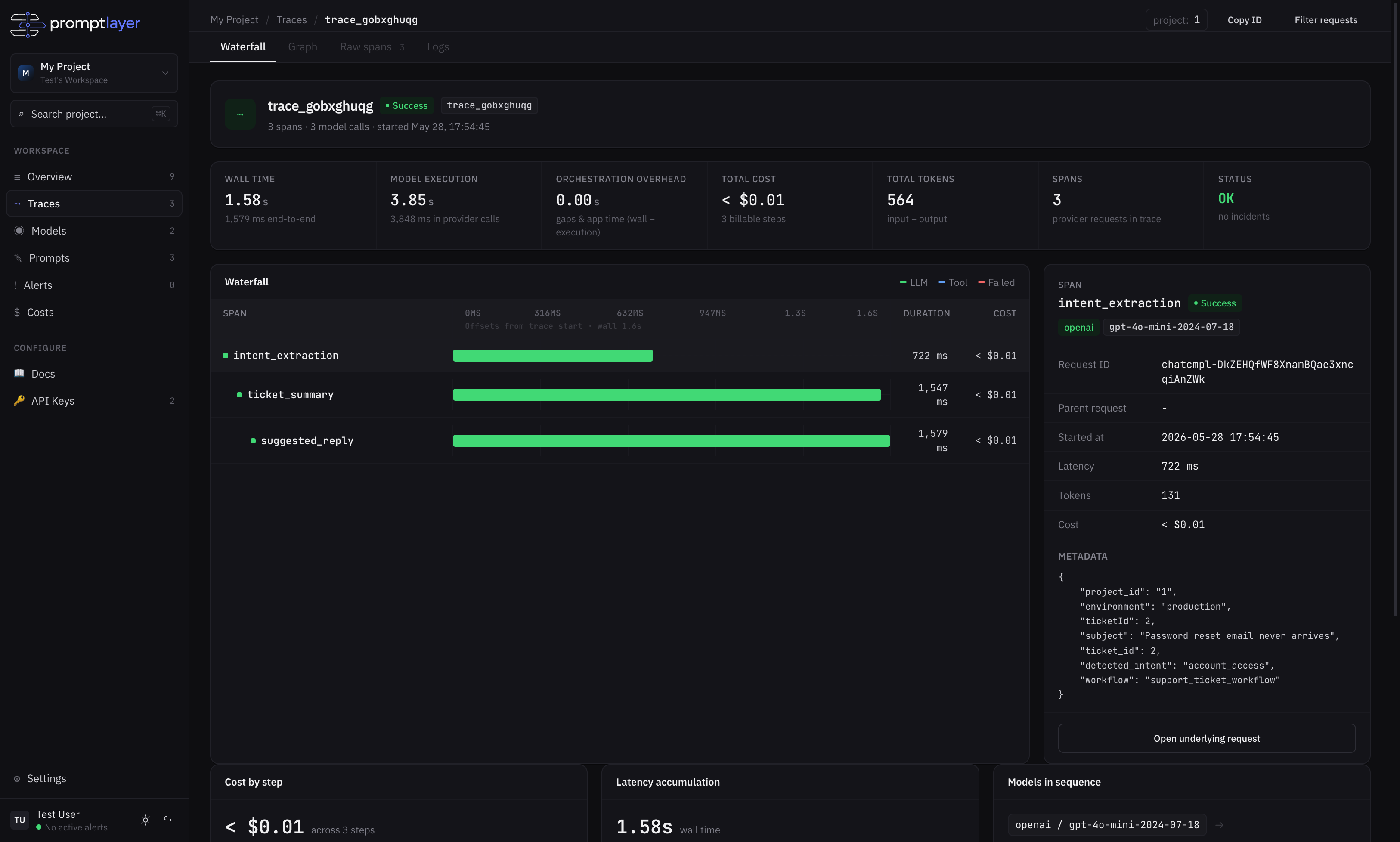
withTrace() opens a trace, runs your code, and flushes telemetry when done. Each trace.request() records one provider call as a span.
first-trace.ts
typescript
await promptlayer.withTrace(
  {
    workflow: 'customer_support',
    feature: 'customer_support',
  },
  async (trace) => {
    await trace.request({
      span: 'classify_ticket',
      provider: 'openai',
      model: 'gpt-4o-mini',
      status: 'success',
      inputTokens: 100,
      outputTokens: 20,
      latencyMs: 800,
    })
  },
)
What happens next
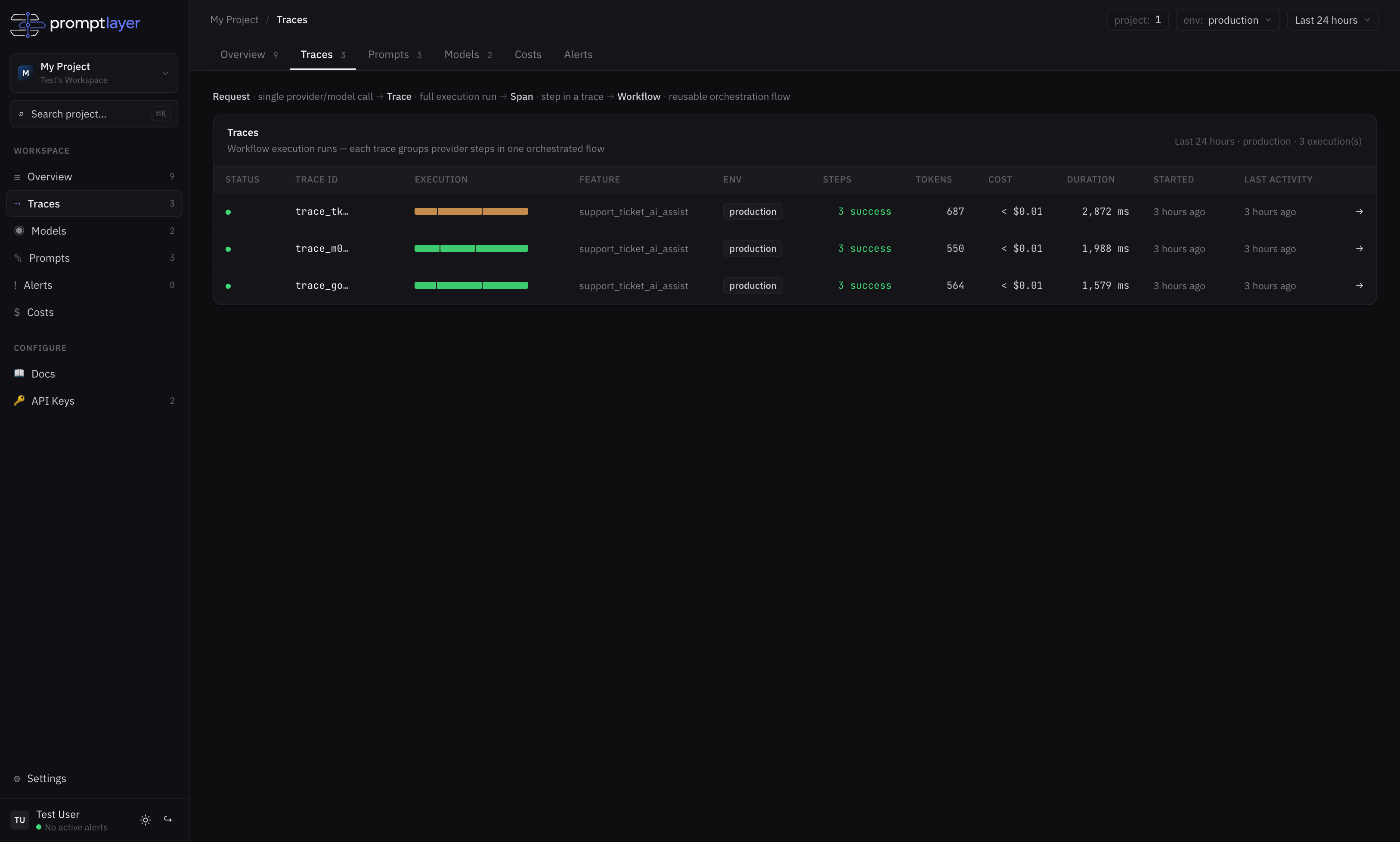
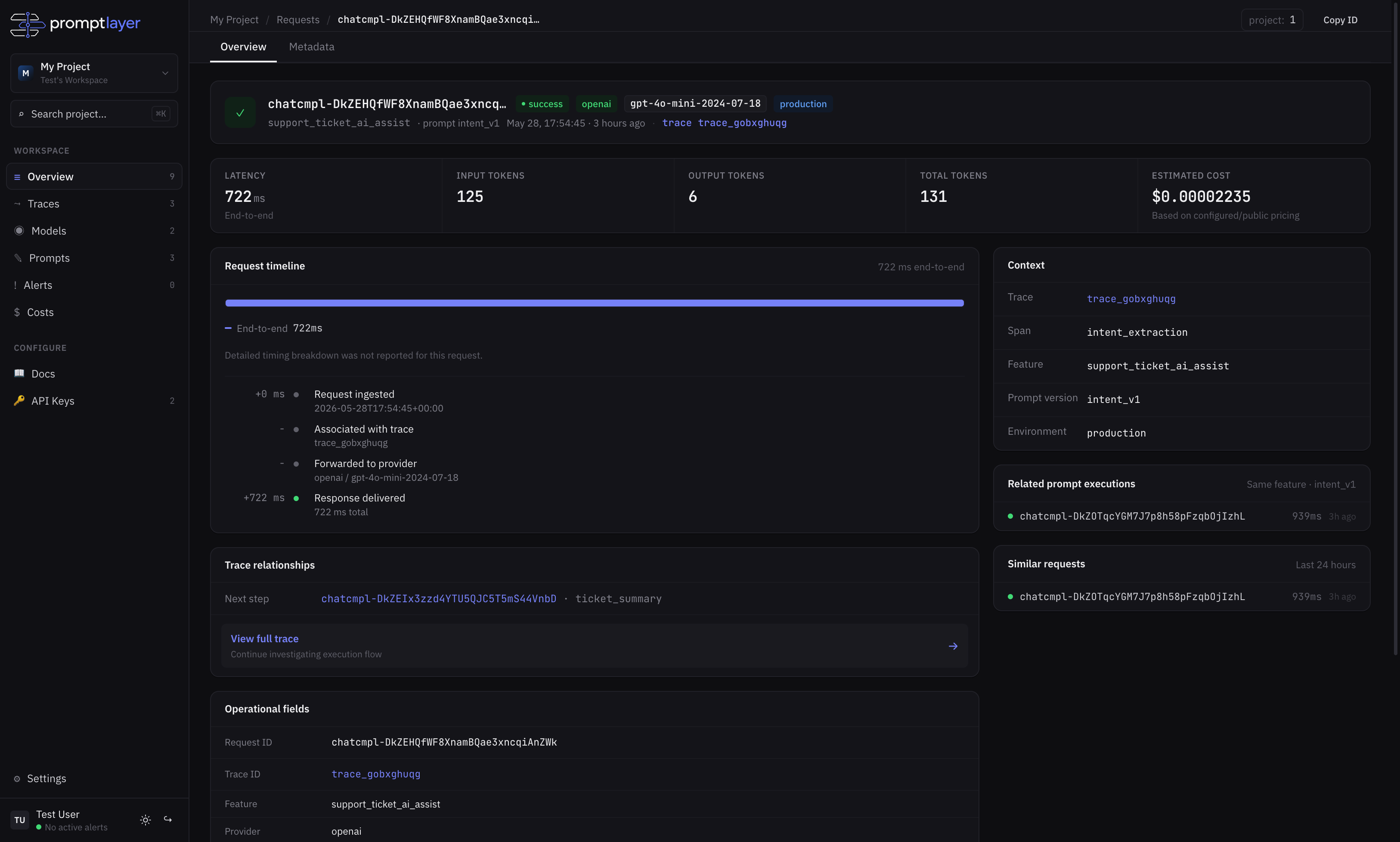
Within seconds, telemetry appears in your project workspace: